

English live captions and productivity tool for meetings
For deaf and hard of hearing people.
Download for free


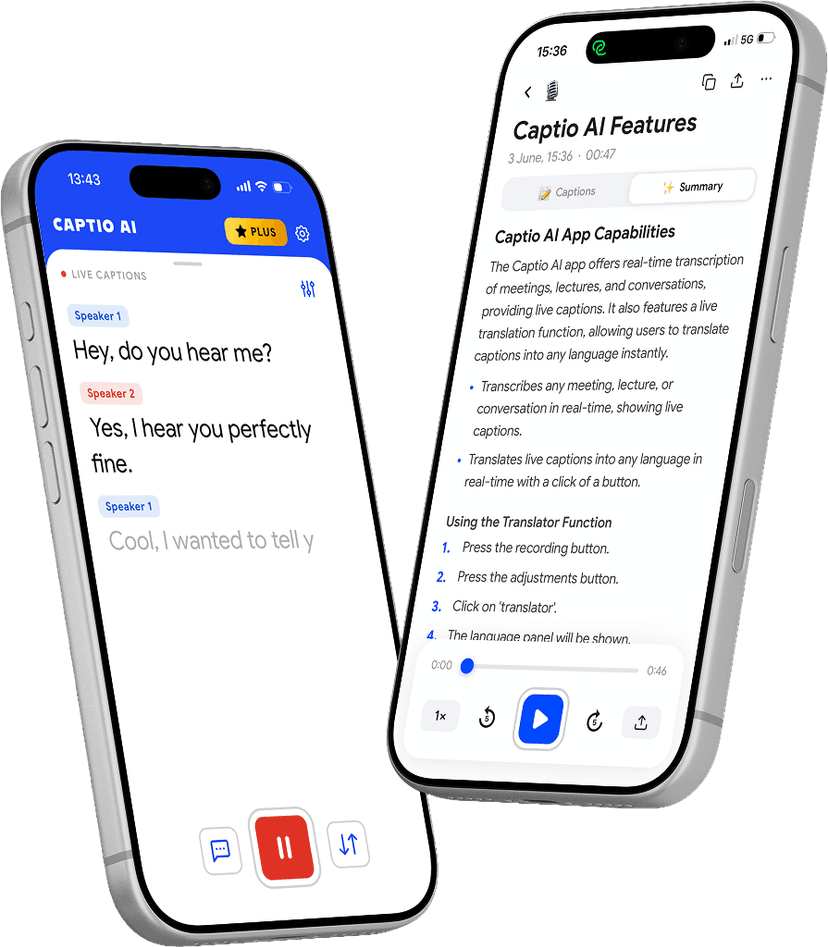
Everything you need to follow English meetings
Four tools built for deaf and hard of hearing English speakers.
Follow the meeting as it happens
- Captions appear word by word while speakers are still talking
- Works in conference rooms, boardrooms, and open offices
- Handles fast-paced discussion and multiple speakers
- No setup — place the phone on the table and start
International and multilingual meetings
- Each person speaks their own language
- You read in yours, in real time
- 60+ languages, no mode switching
- Handles mid-sentence language changes
Full transcript after the meeting
- Upload the recording and get a complete written transcript
- Organised by speaker — know exactly who said what
- Review decisions and action items at your own pace
- Searchable, copyable, shareable
Decisions and action items, extracted
- Key points and decisions pulled from any transcript
- Action items surfaced automatically
- Organised into sections — not one continuous block
- Works on any Captio AI meeting transcript
Download for free
Every situation covered
Designed for the real moments that matter — not just quiet controlled environments.
Fast-moving daily team meetings in UK offices where colleagues speak in quick succession. Captio AI captions each person so you follow every update without asking for a repeat.
Teams and Zoom calls with colleagues across the UK and internationally. Put the call on speaker, point Captio AI toward the audio, and read captions in real time.
Performance reviews and 1:1 check-ins with a line manager. High-stakes conversations in British workplace culture where every word matters. Captio AI gives you a complete transcript.
Company all-hands where the CEO or senior leadership presents to the whole company. Whether in the room or on a livestream, Captio AI captions every word from any seat.
UK teams working with European or global counterparts. Live Translator covers meetings where colleagues switch between English and other languages mid-call.
Desk-side questions, kitchen catch-ups, corridor chats after the meeting ends. The informal British workplace moments where decisions also get made. Captio AI covers those too.
Most accurate and fastest models
word accuracy
independent benchmark, 2025
real-time captions
first word appears as you speak
Download for free
Built for the speed of a real meeting
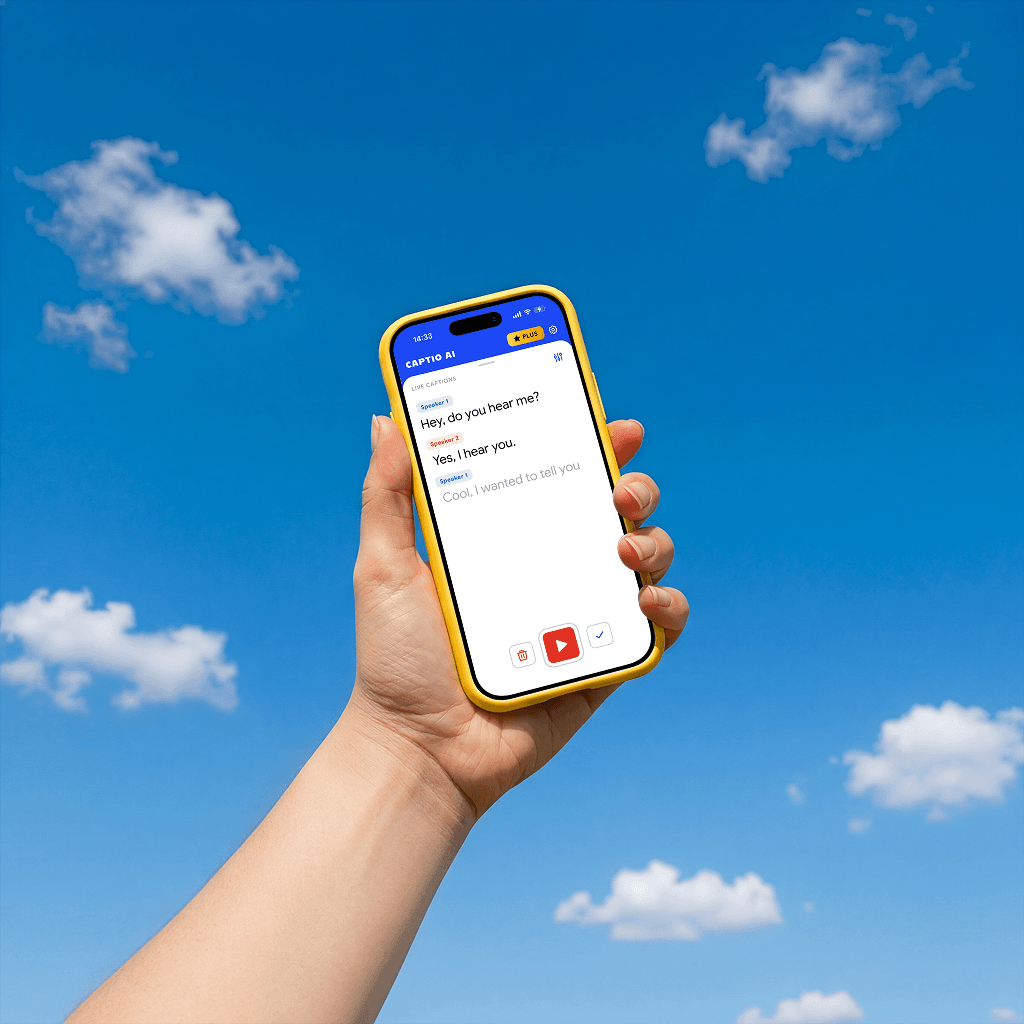
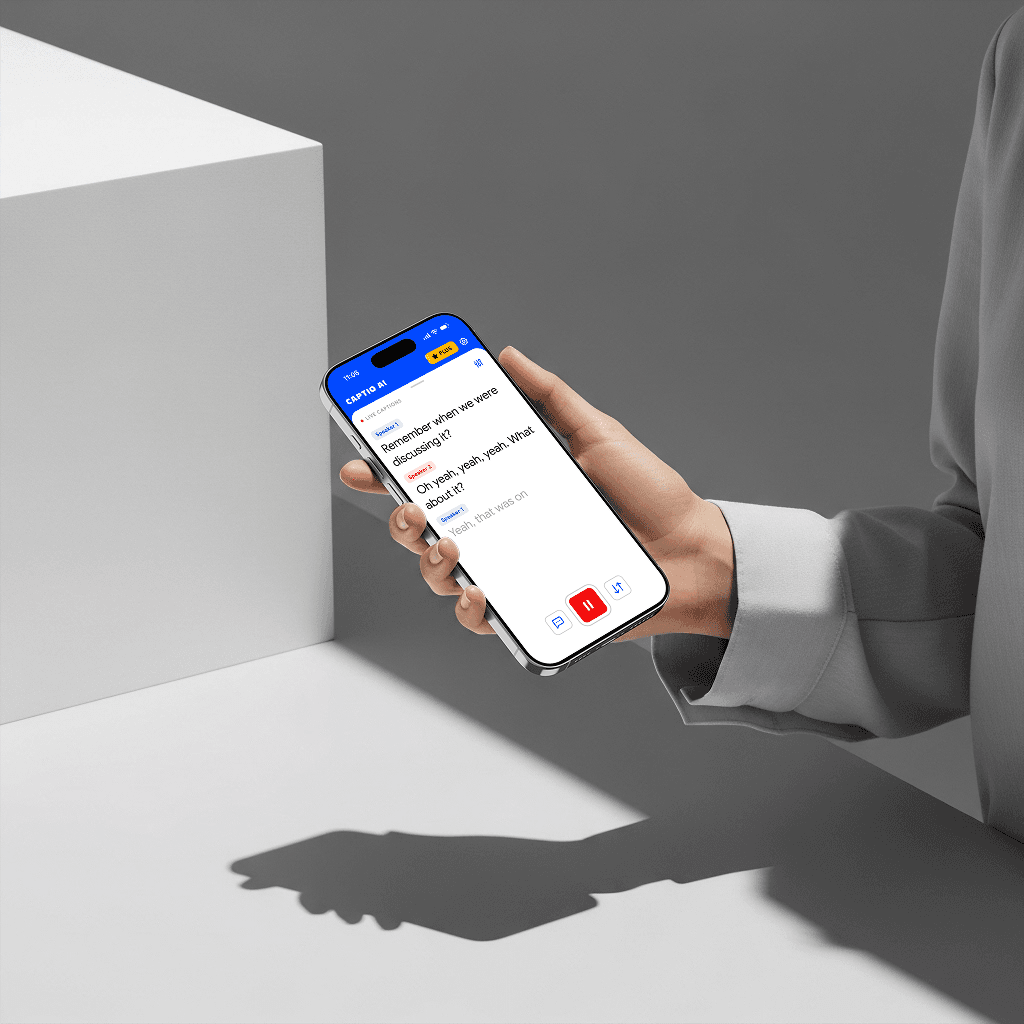
Captions while they are still speaking
Words appear on screen as each person talks — not after they finish. You read what someone is saying at the same moment everyone else hears it.
Works in any meeting format
Conference rooms, open-plan offices, video calls, all-hands. Place the phone on the table or hold it — Captio AI handles the rest.
Handles fast speech and crosstalk
Captio AI is designed for real meetings, not controlled dictation. It follows whoever is speaking loudest at any moment, keeping up with the natural pace of discussion.
No setup, no explaining
Open the app and place the phone. No pairing, no telling colleagues what you are doing, no requesting anything from the meeting organiser.
Review everything after
Record the meeting and upload it to Audio Transcription for a full written record. Use AI Summary to extract decisions and action items so nothing from the meeting gets lost.
60+ languages
For international teams, multilingual meetings, or colleagues who switch between languages mid-discussion. No setup required — Captio AI detects and captions in real time.
Why English is hard to understand
Homophones in decisions
- Meeting-room English has the highest-stakes homophone problem of any language
- English has more visually indistinguishable words than almost any other language, and in a meeting each misread carries direct consequences. 'Can't approve this' and 'can approve this' are one silent consonant apart. 'Reassigned to you' and 'resigned from you' look similar on the lips. The decision-making density of a meeting — where every sentence may change what you do next week — makes English's homophone problem its most dangerous in this setting.
Accent variation in teams
- A London meeting, a Manchester call, a New York client — three different mouth movements
- Glaswegian, Geordie, Cockney, RP, American Southern, broad Australian — each regional variety moves the mouth differently. In diverse English-speaking teams and multinational calls, a deaf or hard of hearing person calibrated to one accent will miss significant portions of another. This compounds on video calls where camera angle and compressed audio remove even the partial visual cues available face to face.
Video call degradation
- Meeting platforms remove the visual cues that lip-readers rely on
- Teams, Zoom, and Google Meet compress audio and reduce video frame rates. The lip movements that are already difficult to read in person become pixelated and delayed on a call. A camera positioned at an angle, a speaker who moves off-screen, or a frozen frame eliminates the partial visual information that a deaf or hard of hearing person uses to supplement what they cannot hear.
Formal register speed
- Presentations and briefings use a dense formal register at faster pace
- Formal English in presentations and client pitches operates at higher density and faster pace than casual speech — more content per sentence, fewer natural pauses, vocabulary that shifts to jargon. 'Let me know what you think' becomes 'I'd welcome your feedback on the deliverables'. A deaf person has less visual anchor in the formal register and less time to process each phrase before the next arrives.
Informal adjacents
- The conversations beside the meeting are where decisions also happen
- The three minutes before a meeting starts and the walk out of the room are where context gets shared, opinions form, and unofficial decisions get made. These moments are unstructured, fast, multi-speaker, and acoustically hostile. They are never captioned, never interpreted, and routinely inaccessible — even in organisations that provide formal meeting support.
Download for free
Employed, but not in the room. The meeting gap no workplace policy has closed.
In the United States, only 54% of deaf adults are employed compared to 70% of hearing adults, according to the National Deaf Center's analysis of 2022 Census data. In the United Kingdom, only 37% of BSL users are working, compared to 77% of non-disabled people. But employment figures mask what happens once inside the workplace. A survey by RNID found that 50% of deaf employees found face-to-face meetings difficult, 83% reported being excluded from conversations with colleagues, and 69% reported loneliness at work. Employed does not mean included — it means present while excluded.
The ADA in the United States and the Equality Act in the United Kingdom mandate reasonable adjustments for deaf employees, but these legal frameworks apply to formal accommodation requests, not to the informal texture of working life. The three-minute pre-meeting chat, the corridor decision, the conference call where someone turns away from the camera — none of these trigger an accommodation. RNID found in 2024 that only 1 in 5 UK employers had heard of the Access to Work scheme, and 57% of deaf employees cited employer ignorance as a barrier to accessing support. Legal protection and practical inclusion are not the same thing.
Remote and hybrid work, which has become the default in English-speaking professional environments since 2020, added a new layer. Video call audio compression, unstable connections, and cameras that do not show faces clearly have made the meeting environment harder for deaf and hard of hearing people, not easier. The meeting gap — the daily, low-visibility exclusion from professional decision-making — is growing, and no existing policy has systematically closed it. Captio AI captions English speech in real time across accents, meeting platforms, and informal office settings, so the standup, the client call, and the pre-meeting chat are no longer inaccessible.
Download for free
What you hear stays with you.
Gone the moment it ends
Captio AI processes your audio in real time and discards it immediately. Nothing is recorded. Nothing is kept.
Not a product
Your conversations are not something Captio AI sells, shares, or monetizes — to anyone, for any reason.
Not used to train anything
What you say in a doctor's appointment or a job interview never ends up in a training dataset. Not ours. Not anyone else's.

Private by default
Captio AI supports 60+ languages
Download for free
Frequently asked questions
Follow every word in English.
Captio AI is free to start
Download for free