

Audio Transcription
Upload. Read. Done.
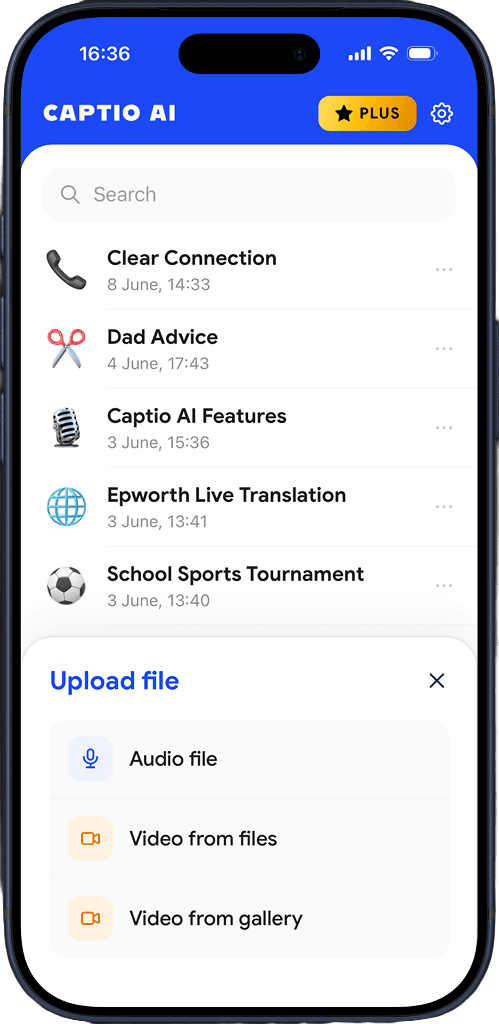
Choose upload format
Select whether you are uploading an audio file or a video file.
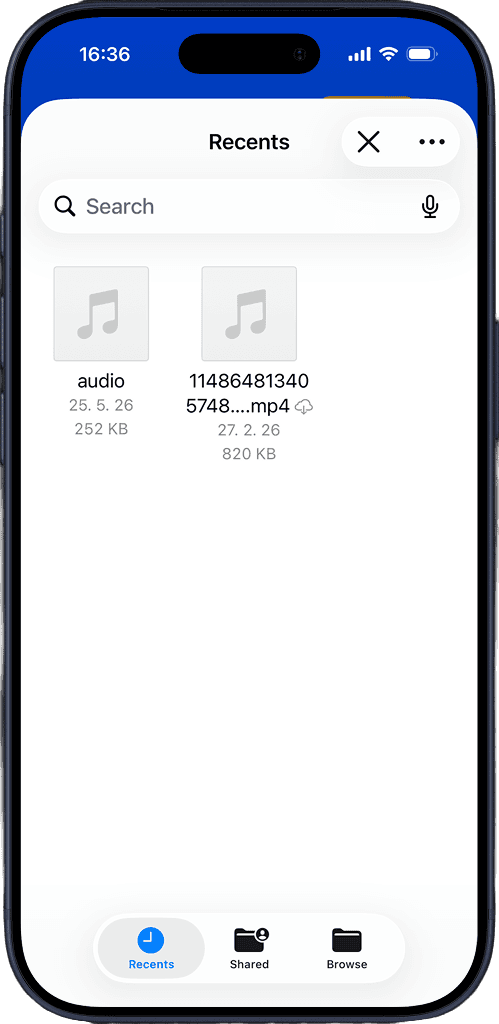
Select a file
Pick the file from your phone. Captio AI starts transcribing immediately.
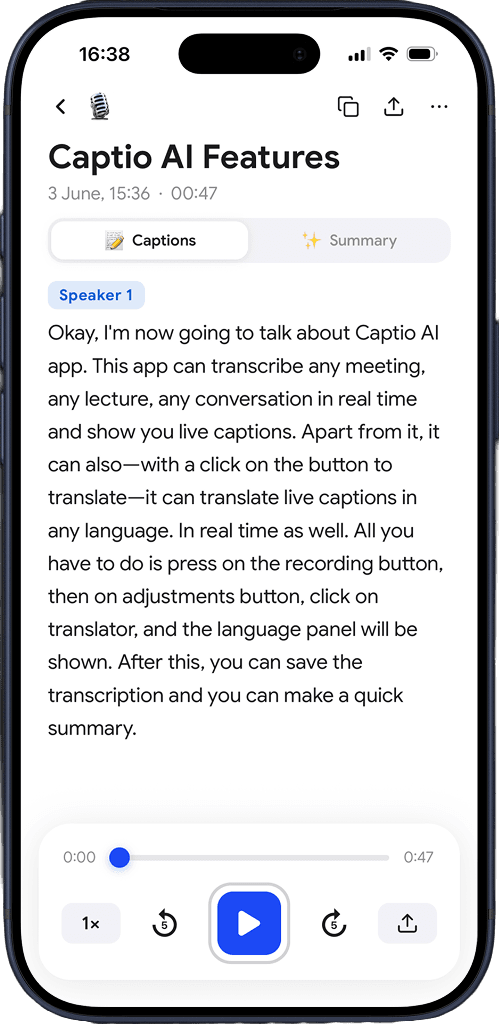
See the transcription
Read the full transcript, organized by speaker, with timestamps.
Download for free
Built for real recordings
Any format
MP3, MP4, M4A, WAV, and more. Lectures, meetings, voicemails, podcasts, interviews, phone recordings — if it has speech in it, Captio AI can transcribe it.
Highest accuracy
Captio AI is built for real-world audio, not just clean studio files. Phone call audio, lecture hall recordings, noisy environments — it handles them all.
Any language
Upload a recording in French, Japanese, Arabic, or 57 other languages. Captio AI identifies the language and transcribes it accurately.
Multiple languages
When speakers switch languages mid-recording, Captio AI keeps up. The transcript reflects every language that was spoken, without gaps.
Timestamps
Every line in the transcript is time-stamped so you can jump to any moment in the recording and find exactly what was said and when.
Export and share
Copy the full transcript, share it, or save it. Your recordings and transcripts stay accessible whenever you need them.
Download for free
What you hear stays with you.
Gone the moment it ends
Captio AI processes your audio and discards it immediately after transcription. Nothing is stored on any server.
Not a product
Your recordings are not something Captio AI sells, shares, or monetizes — to anyone, for any reason.
Not used to train anything
What you upload — a doctor's appointment, a meeting, an interview — never ends up in a training dataset. Not ours. Not anyone else's.

Download for free
Frequently asked questions


Captio AI includes Live Captions, Live Translator, Audio Transcription, and AI Summary.