

AI Summary
Transcript in. Summary out.
Open any transcript
Select any transcript from Live Captions or Audio Transcription.
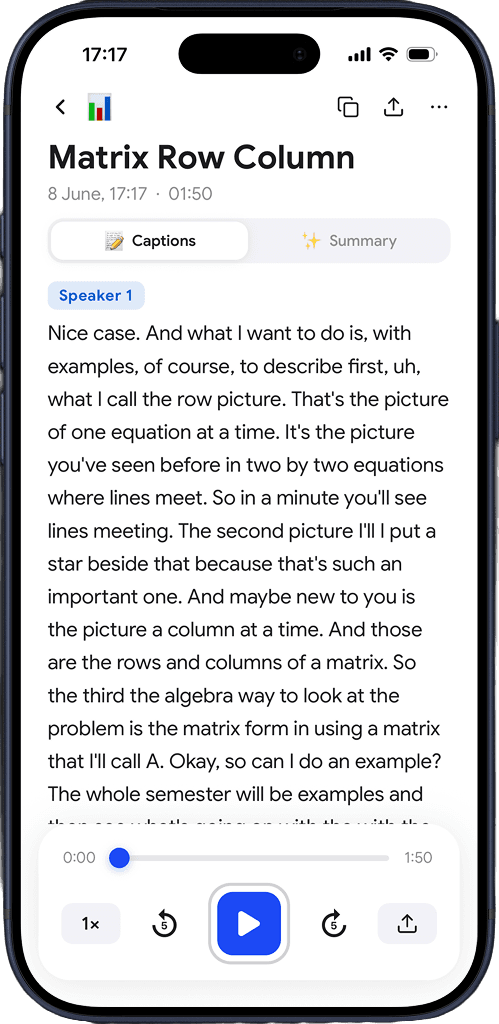
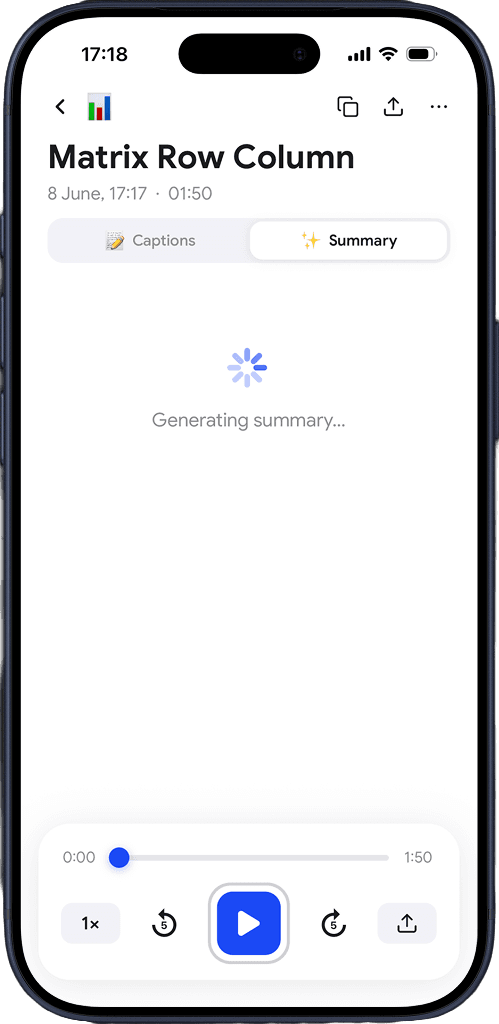
Generate summary
Tap AI Summary. Captio AI processes the transcript automatically.
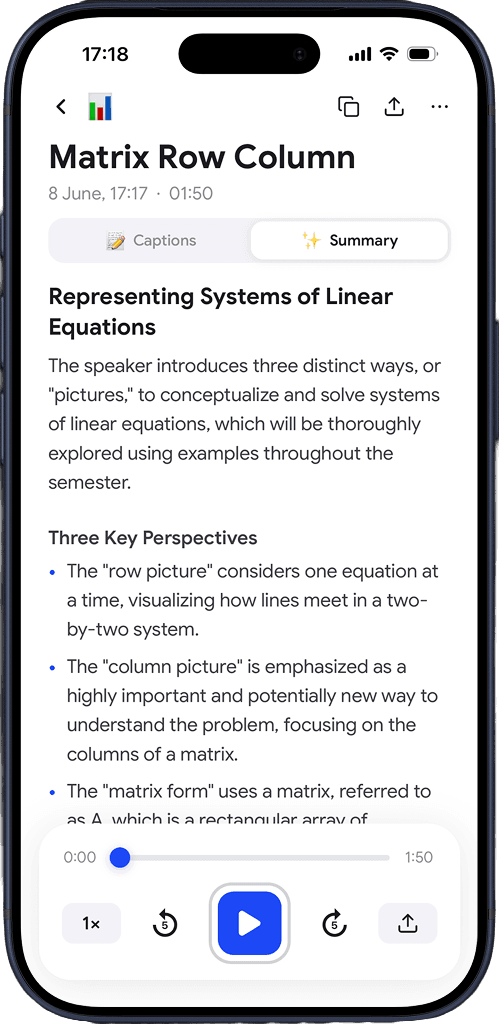
Read the summary
Your summary is ready — organized into sections, ready to read or share.
Download for free
Built for long transcripts
Get summary, to-do, speaker quotes, notes and more.
Key points extracted automatically
Captio AI reads the full transcript and pulls out what actually mattered — the main points, decisions made, and conclusions reached.
Action items surfaced
Tasks and follow-ups are identified and listed separately so nothing gets missed after a meeting, appointment, or lecture.
Organized into sections
The summary is structured, not one continuous block of text. Each topic gets its own section so you can scan and find what you need.
Works on any Captio AI transcript
Run AI Summary on any transcript you created with Live Captions or Audio Transcription. No extra steps, no copy-pasting.
Any language
Summarize transcripts in 60+ languages. Captio AI reads the transcript in the original language and produces a summary you can read.
Save and share
Keep the summary alongside the transcript, copy it, or share it. Useful after doctor appointments, meetings, and lectures.
Download for free
What you hear stays with you.
Gone the moment it ends
Captio AI processes your transcript and discards it immediately. Nothing is stored on any server after summarization.
Not a product
Your conversations are not something Captio AI sells, shares, or monetizes — to anyone, for any reason.
Not used to train anything
What you summarize — a doctor's appointment, a meeting, an interview — never ends up in a training dataset. Not ours. Not anyone else's.

Download for free
Frequently asked questions


Captio AI includes Live Captions, Live Translator, Audio Transcription, and AI Summary.