

Best live caption apps for deaf and hard of hearing people in 2026
Five live caption apps compared from their own pages: Apple Live Captions, Live Transcribe, Ava, Otter and Captio AI. Ava's free sessions last 40 minutes.
 Nate from Captio AI8 min read
Short answer
The best live caption app for conversations depends on your phone and what you need afterwards. Google Live Transcribe is free on Android [4]. Apple's built-in Live Captions captions live, in-person speech on iPhone [1]. Ava suits groups, with free 40-minute sessions [6]. Otter suits meetings, with 30 minutes per conversation free [11]. Captio AI, a live captioning app for deaf and hard of hearing people, covers iPhone and Android with translation and saved recordings.
40 min6
longest session on Ava's free plan
300 min11
monthly transcription minutes on Otter's free plan, 30 minutes per conversation
82
languages in Apple's Live Captions list, in regional variants
On this page
- How were these live caption apps compared?
- Live caption apps at a glance
- Which live caption app is best for everyday conversations?
- Which live caption app is best for groups and family dinners?
- Which live caption app is best for lectures and meetings?
- Which live caption app is best for a doctor's appointment?
- Which live caption app is best for travelling?
- What about Android Live Caption?
- Where each live caption app is the better choice
- Which live caption app should you pick?
Five apps do live captions for conversations in the room, and each one is the best choice for someone. Google Live Transcribe is free on Android4. Apple's Live Captions is already on the iPhone1. Ava is built for group conversations8, Otter for meetings12, and Captio AI, a live captioning app for deaf and hard of hearing people, for iPhone and Android with translation and saved recordings13. This roundup uses each company's own pages, opened in November 2026, and says where each app is the weaker choice, Captio AI included.
How were these live caption apps compared?
The apps were compared on what each maker says on its own website, help centre or store listing in November 2026. The test was in-person speech: a deaf or hard of hearing person puts a phone on the table and reads what the people around them say. Apps that caption phone calls, video calls or online meetings were not compared on those features. Prices are US prices as of November 2026. Where a page does not say something, the table says "not stated" instead of guessing.
Live caption apps at a glance
Live Transcribe, Apple Live Captions, Ava, Otter and Captio AI all caption speech picked up by the phone's microphone, but they differ on phones, free limits and what is saved. The table puts them on the same rows.
| Google Live Transcribe | Apple Live Captions | Ava | Otter | Captio AI | |
|---|---|---|---|---|---|
| Phones | Android3 | Available on iPhone, iPad, Mac, Apple Watch and Apple Vision Pro, per Apple's setup list1 | iPhone and Android10 | iPhone and Android11 | iPhone and Android |
| Languages | Over 80 languages and dialects4 | 8 languages, in regional variants2 | More than 23 transcription languages7 | English, Spanish, French, German, Japanese and Chinese on its pricing page11 | 60+ |
| In-person speech by microphone | Yes34 | Yes, in-person speech through the microphone1 | Yes, phone microphone8 | Built-in or Bluetooth microphone12 | Yes |
| Who is talking | Not described on Google's help page3 | Not stated | Colour-coded speakers8 | Speaker identification on every plan11 | Speaker 1, Speaker 2, renamable |
| Translation | Not stated | Not stated | Sources differ: 4 pairs on Premium captions7, 20+ languages6, 16 languages10 | Not stated | Live Translator, 60+ languages |
| Without internet | Downloaded languages3 | Not stated | Solo mode, default language9 | Not stated | Records, transcribes later |
| Free plan | 0 USD on Google Play4 | Part of the system1 | Unlimited basic captions10, 40-minute sessions6 | 300 minutes a month, 30 minutes per conversation11 | 100 free credits a day |
| Saved transcripts | Optional, up to 3 days3 | Not stated | Yes, saved transcriptions10 | History of 25 conversations on free11 | Library with audio, synced |
Which live caption app is best for everyday conversations?
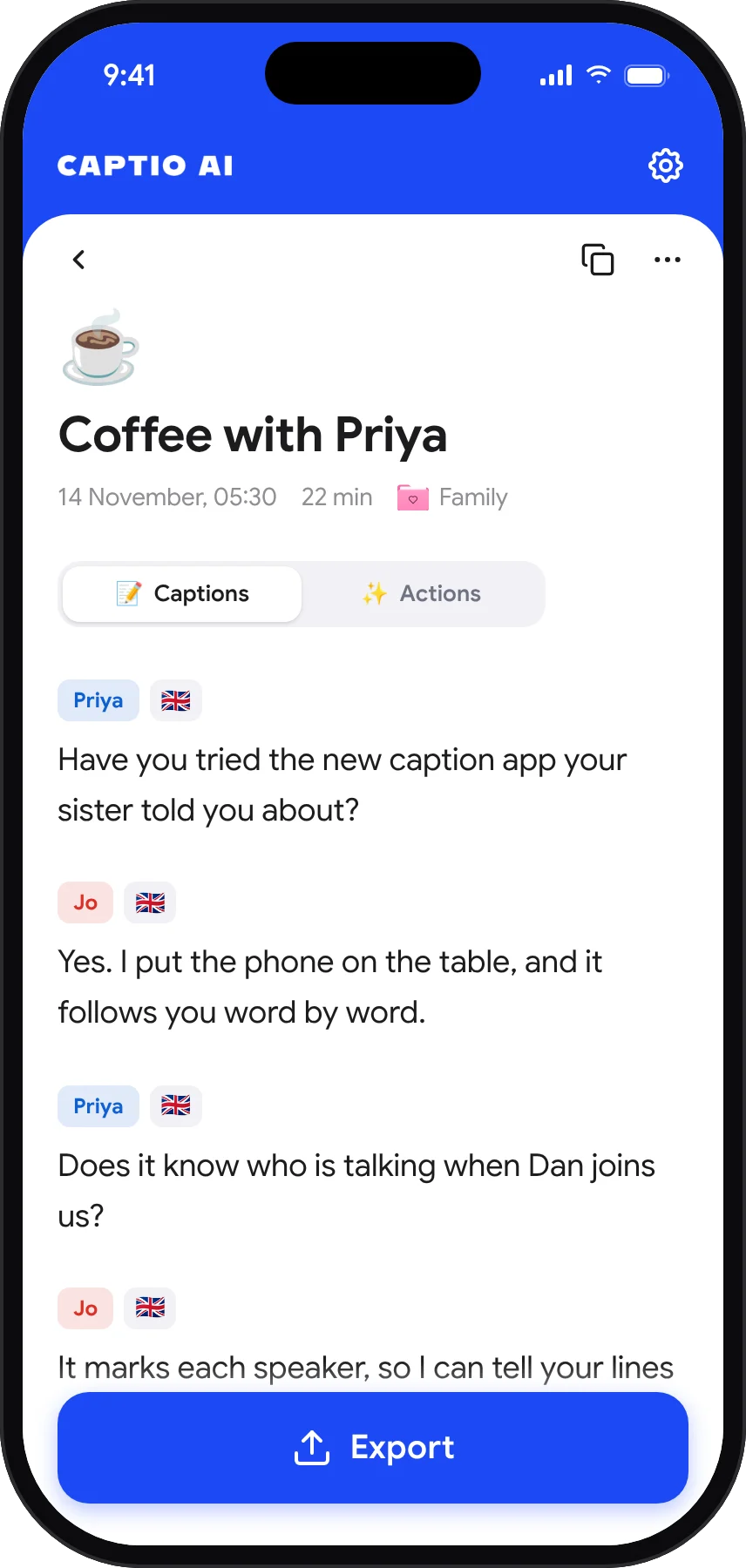
For everyday conversations, such as coffee with a friend, the built-in apps are the easiest start and Captio AI or Ava are the better choice when you want names and a saved record. Apple says Live Captions can capture and caption live, in-person speech through the microphone in your device1. Google describes Live Transcribe as an app that turns speech into text on an Android phone3. Ava tells people to keep the phone within 1 to 2 feet of the speaker8, and the same habit helps with any app. For everyday conversations on iPhone or Android where you also want to keep the chat, Captio AI saves each recording and Live Captions shows the speakers.
Which live caption app is best for groups and family dinners?
Ava and Captio AI are the two built for groups, because both separate speakers. Ava's help page says it can tell voices apart, shows each participant in a different colour, and lets guests join by QR code or link with no download, each phone acting as a microphone8. Ava also warns that background noise lowers accuracy in public places8. Captio AI labels speakers as Speaker 1 and Speaker 2 and lets you rename them. On iPhone, Recognize voices can show the name of someone you saved, such as "Mum" instead of "Speaker 2". For a group setting like a family dinner, see also how to see who is talking in live captions.
Which live caption app is best for lectures and meetings?
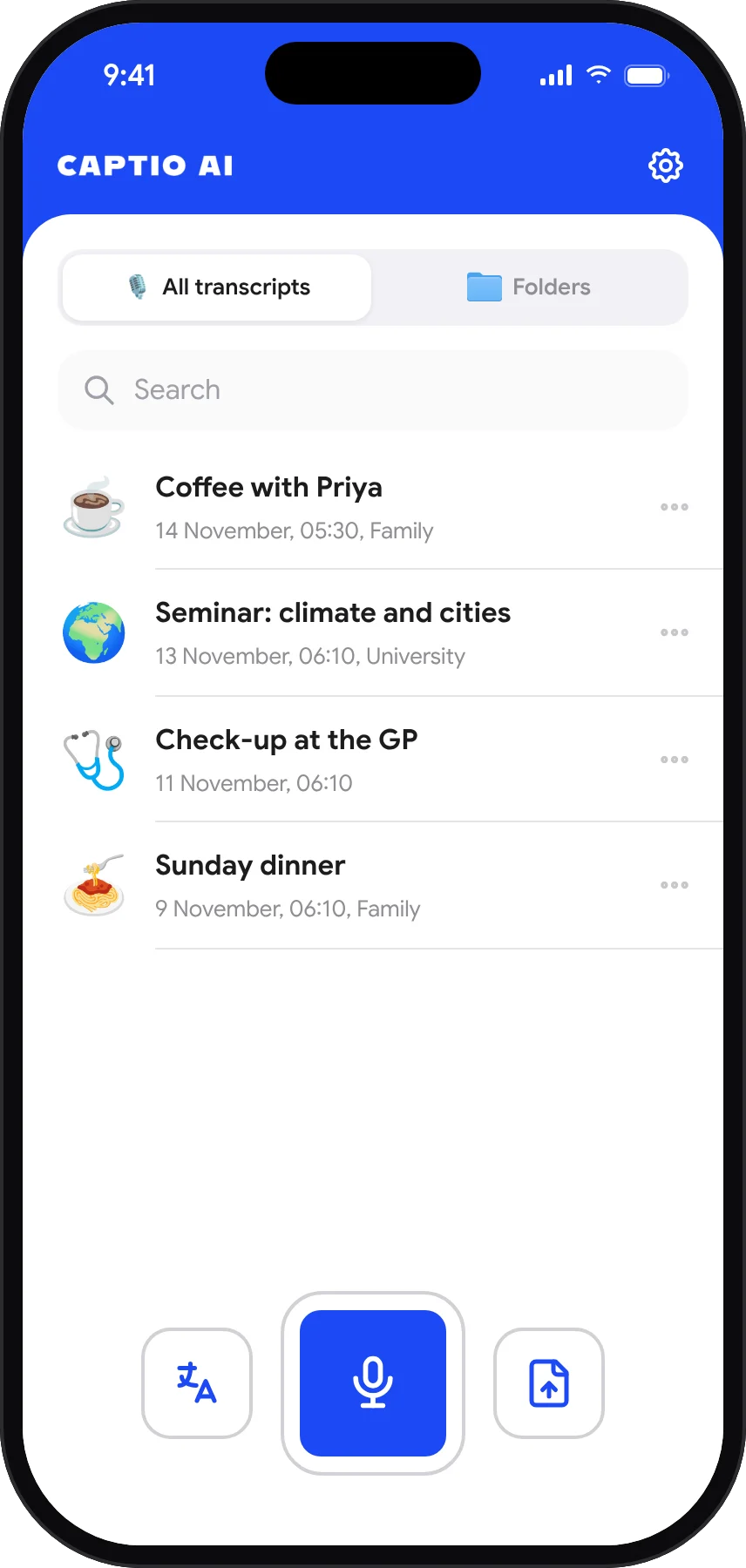
For a lecture, free session length decides first. Ava's free plan allows captioned sessions of up to 40 minutes6, Otter's free plan allows up to 30 minutes per conversation and 3 lifetime file imports11, and Captio AI's free plan is 100 free credits a day, which is counted differently and is not a session length. Otter's paid Pro plan raises the limit to 90 minutes per meeting, at US$16.99 a month or US$8.33 a month billed annually on Otter's pricing page11. The App Store listing shows Otter Pro at US$16.99 monthly or US$99.99 yearly12, so check which price your store shows. In a lecture or a meeting, Captio AI keeps the recording with its audio in a searchable library, and an AI Summary can turn it into key points or to-dos. Otter's free plan also lists speaker identification and an AI Chat limit of 20 queries a month11.
Which live caption app is best for a doctor's appointment?
For a doctor's appointment, pick the app you already know, test it before the visit, and ask the clinic first. Live captions are not a replacement for an interpreter or a human captioner, and a medical team may need to approve recording. Captio AI lets you add names and medical terms to Words and names so they are recognised. Ava's help page says speakers should hold the phone close to their mouths in noisy places8, which a small consulting room rarely needs. Ava's pricing page labels its paid Community plan "Not an ADA-compliant plan"6, which matters only if you need to ask a provider for access.
Which live caption app is best for travelling?
When you travel and the other person speaks another language, translation matters more than speaker labels. Captio AI's Live Translator shows live translation next to the original captions in 60+ languages, and a language hint tells it what to expect. Ava's own pages differ on translation: its help page says it is available only with Premium captions, for English with French, English with Spanish, English to Turkish and French to German7, its pricing page says 20+ languages6 and its App Store listing says 16 languages10. Check the app for your pair. Apple's Live Captions list covers 8 languages in regional variants, with no translation described on the pages cited2. Live Transcribe's pages describe captions in the spoken language3. A deaf traveller asking at a station counter in Italy would want translation as well as captions.
What about Android Live Caption?
Android's Live Caption is for sound playing on the phone, not for a conversation across the table, as far as Google's page says. Google describes it as captions for media such as videos, podcasts, phone calls, video calls and audio messages, processed on the device5. The page does not say it captions people speaking in the room through the microphone, so for that use Live Transcribe3. It is the reason a phone can show captions on a video without any app.
Where each live caption app is the better choice
Each app wins somewhere, and it is not always Captio AI.
- Google Live Transcribe wins on price and offline use on Android. It lists 0 USD on Google Play4, over 80 languages and dialects4, and offline languages on Android 12 or later3. Transcripts are kept for up to 3 days only if you ask3. The full comparison is in Captio AI vs Google Live Transcribe.
- Apple Live Captions wins on being already there. It needs no download, and Apple's setup list also names Mac, Apple Watch and Apple Vision Pro1. Its language list is shorter, at 8 languages2.
- Ava wins on group sessions with guests. Guests join with a QR code and need no download8, and the free plan has no limit on group size10.
- Otter wins for meetings in a work team. Its free plan gives 300 monthly transcription minutes and it connects to Zoom, Microsoft Teams and Google Meet11. Its pricing page lists English, Spanish, French, German, Japanese and Chinese11.
- Captio AI is the better choice for live translation next to captions, and for saved recordings with audio, on iPhone and Android. Its limits: live captions need internet, the free plan is 100 free credits a day, captions pause when you leave the app on Android, and Recognize voices, Speaker direction and Recognize sounds are iPhone features. It does not do sign language and it is not for phone calls. See also the page comparing Captio AI and Ava.
Which live caption app should you pick?
Start with your phone, then with the situation:
- Android, free, quick chats: Google Live Transcribe.
- iPhone, nothing to install: Apple Live Captions, in the languages Apple lists2.
- A family table with several voices: Ava or Captio AI.
- A meeting with a work team: Otter, or Captio AI if you also want live translation.
- Travel or a conversation in two languages: Captio AI.
- A long lecture you need notes from: a paid plan, such as Captio AI Plus (US$14.99 a month or US$79.99 a year on the US App Store, as of November 2026), or Otter Pro (up to 90 minutes per meeting11). Ava's Community plan stays at 40-minute sessions6. Free plans have daily or per-session limits.
Try two apps in a quiet room before the day that matters, with the phone near the speaker.

Read what people say, while they say it
Captio AI puts live captions on your phone for conversations, appointments, lectures and meetings, in 60+ languages. Free to start. Private by default.
Frequently asked questions
What is the best free live caption app for a deaf person with an Android phone?
Google Live Transcribe is the usual first choice on Android. Google's Play listing shows a price of 0 USD and over 80 languages and dialects [4], and offline languages can be downloaded on Android 12 or later [3]. Ava's free plan and Captio AI's free plan are the other options on Android.
Can an iPhone caption a conversation without installing an app?
Yes, in the languages Apple lists. Apple says Live Captions can capture and caption live, in-person speech through the microphone in your device [1]. Its feature availability page lists 8 languages, in regional variants, including English, Spanish, French, German, Japanese, Korean, Cantonese and Mandarin Chinese [2].
Which live caption app is best for a group dinner or a family gathering?
Ava and Captio AI both separate speakers. Ava shows each person in a different colour and lets friends join by QR code, with each phone acting as a microphone [8]. Captio AI labels Speaker 1 and Speaker 2 and, on iPhone, can show saved names with Recognize voices. Keep the phone near the speakers.
Does Ava work without internet?
Only in a limited way. Ava's help page says offline mode works on mobile in solo mode, for your default language only, with slightly lower accuracy [9]. Group conversations need a connection. Captio AI needs internet for live captions, but it records without a connection and transcribes the recording later.
Can I use Otter to caption a lecture for free?
Within limits. Otter's free Basic plan gives 300 transcription minutes a month and up to 30 minutes per conversation, which is shorter than many lectures [11]. Pro raises that to 90 minutes per meeting [11]. A student who needs a full lecture can split the recording or choose an app with longer free sessions.
Which app is best for travelling in a country where I don't speak the language?
Captio AI, if live translation matters. Its Live Translator shows live translation next to the original captions in 60+ languages. Ava's own pages disagree on how much it translates: 4 pairs on Premium captions [7], 20+ languages [6] and 16 languages [10]. Apple's list covers captions in 8 languages [2].
Is any live caption app a replacement for a sign language interpreter or a human captioner?
No. Apps caption speech automatically and can make mistakes, especially with noise, accents and names. Where a perfect record is required, such as a hearing, ask the organizer for a human captioner or interpreter. Apps are most useful in everyday conversations that have no booked access service.
Sources
- 1Hearing accessibility: Live Captions on iPhone, iPad, Mac, Apple Watch and Apple Vision ProApple, 2026
- 2iOS and iPadOS feature availability: Live CaptionsApple, 2026
- 3Use Live TranscribeAndroid Accessibility Help, Google, 2026
- 4Live Transcribe & NotificationGoogle Play (US listing), 2026
- 5Use Live Caption on your Android deviceAndroid Accessibility Help, Google, 2026
- 6Ava pricingAva, 2026
- 7What languages and countries are supported by Ava?Ava Help Center, 2026
- 8Using Ava for casual conversations in personAva Help Center, 2026
- 9Does Ava work with little or no internet connection?Ava Help Center, 2026
- 10Ava: Transcribe Voice to TextApple App Store, 2026
- 11Otter pricingOtter.ai, 2026
- 12Otter Transcribe Voice NotesApple App Store, 2026
- 13Live Captions - Captio AI AppApple App Store, 2026
Written by Nate from Captio AI. Published 14 November 2026. Every figure on this page links to its source. Spotted a mistake? hello@captioai.app