

Folders
Every recording in its place.
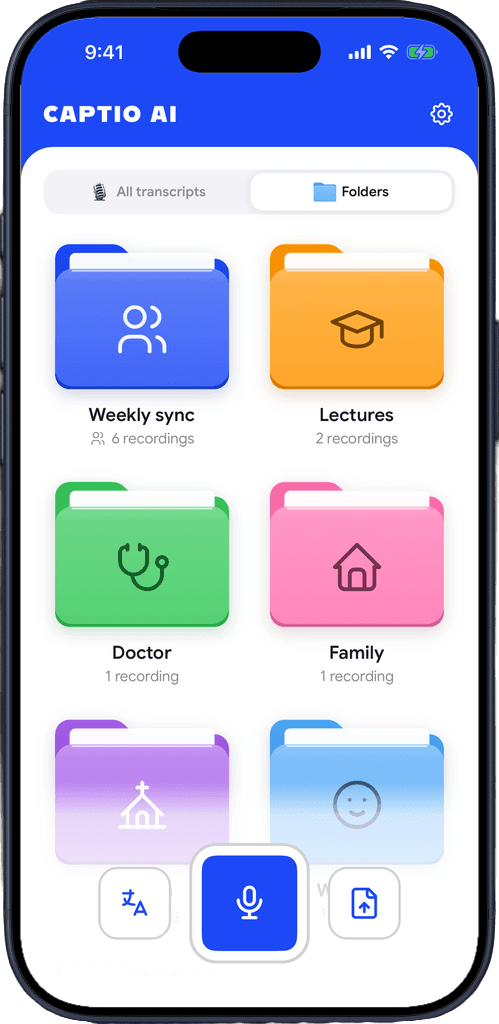
Make a folder
Name it and give it an icon and a colour: Lectures, Doctor, Family, Work.
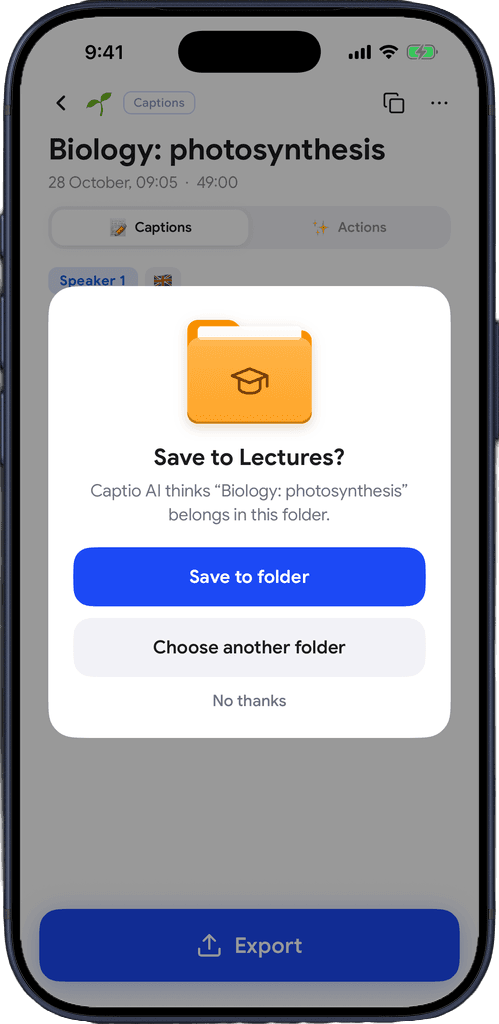
Say yes to the suggestion
When you save a recording, Captio AI suggests the folder it fits. Nothing moves until you say yes.
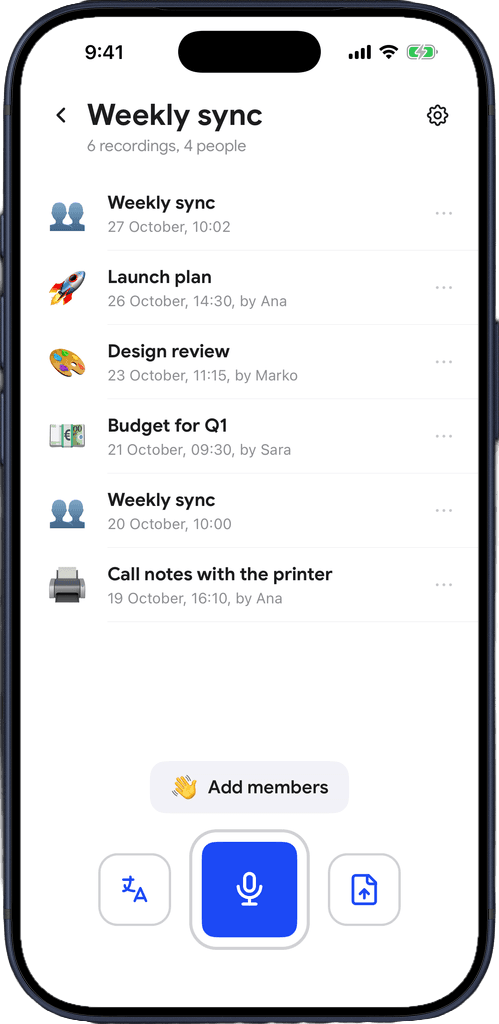
Share it
Invite people with a link. Everyone sees every recording in the folder and can add their own.
Download for free
Built for the way you keep things
Lectures in one place, doctor's appointments in another, the team's meetings where the whole team can read them.
A folder for every part of your life
Lectures, check-ups, family dinners, team meetings. Each folder gets its own icon and colour, so you find it at a glance.
Captio AI asks first
After a recording is saved, Captio AI suggests the folder it belongs in and waits for your answer. It never moves a recording on its own.
Shared folders
Invite family, classmates or colleagues with a link or a code. Everyone reads the same captions, so nobody has to retell what was said.
Record straight into a folder
Open a folder and start Live Captions, Live Translator or an upload from there. The recording lands in that folder.
See who added what
Each recording in a shared folder shows who made it, and a notification tells you when someone adds a new one.
Only the author edits
In a shared folder, only the person who made a recording can change it. Everyone else reads it.
Caption a whole day
Recording into a shared folder saves every hour and carries on in a new recording, so an office can caption a full working day.
Leave whenever you want
Leaving a folder takes your recordings out of it. Your other recordings were never in it.
Free on every plan
Folders and shared folders are part of the free plan, next to 100 free credits a day for captions.
Download for free
Shared with your people, nobody else.
Only the people you invite
A shared folder is open only to people who got your invite. The folder's owner can remove anyone at any time.
The rest stays yours
Sharing one folder never shows your other recordings. Leaving a folder takes your recordings out of it.
Not used to train anything
Recordings in your folders are never sold, never shared for advertising and never used to train AI models.

Download for free
Frequently asked questions


Captio AI also includes Live Captions, Live Translator, Audio Transcription, AI Summary, AI Actions, Export, Recognize Voices, Speaker Direction, Connectors and Widgets.