

Widgets
One tap from captions.
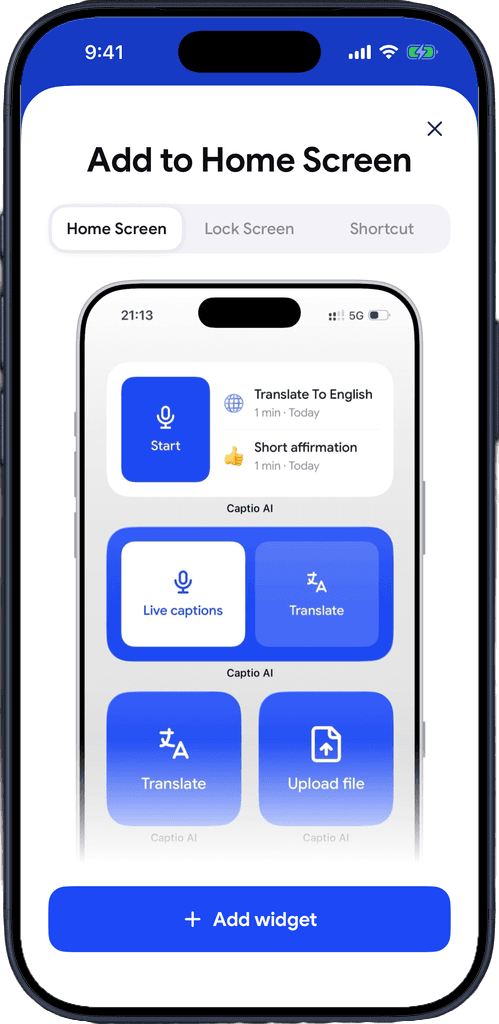
Add it to your Home Screen
Hold an empty spot, tap Edit, then Add Widget, and search Captio AI.
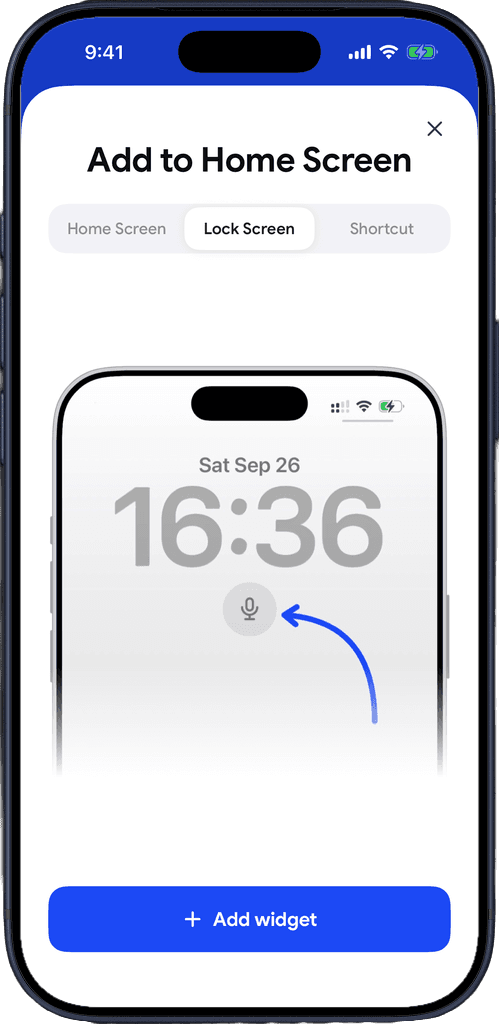
Or to your Lock Screen
Hold your Lock Screen, tap Customize, then Add Widgets, and pick the Captio AI mic.
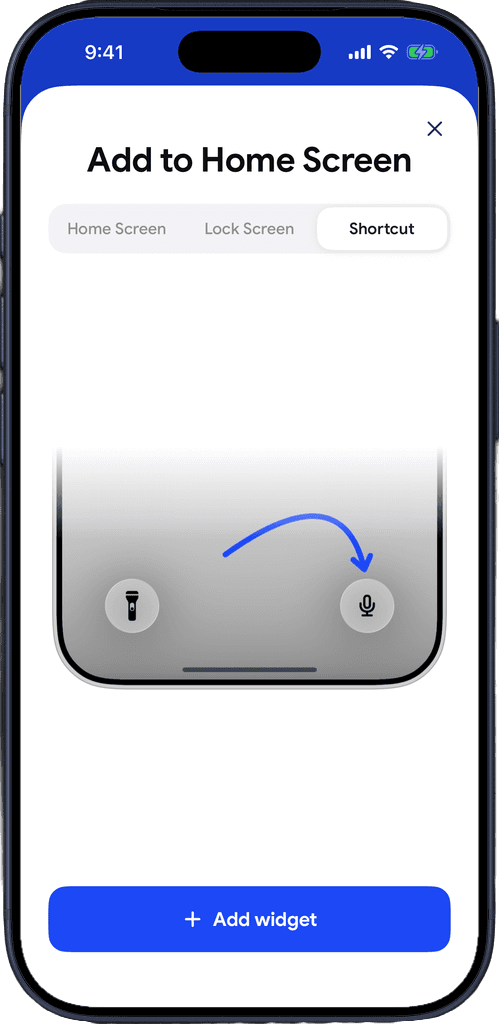
Or swap the camera button
Put Live captions where the camera button was at the bottom of your Lock Screen.
Download for free
Captions before the moment passes
Someone starts talking at the pharmacy counter. Captions should start before you've found the app.
Live captions
A small widget that starts Live Captions in one tap. Also on the Lock Screen as a round mic.
Captions and translate
A wide widget with both buttons: Live Captions, or Live Translator for a conversation in another language.
Recent recordings
A Start button next to your latest recordings, so the lecture from this morning is one tap away.
Translate
A small widget that starts Live Translator straight away.
Upload file
A small widget that opens the file picker to transcribe audio or video.
Control Center and Lock Screen button
Start live captions from Control Center or from the buttons at the bottom of the Lock Screen.
Keeps going with the screen locked
Captions keep recording with the screen locked. The Lock Screen and Dynamic Island show a timer with pause and resume.
A guide in the app
Settings, then Add to Home Screen walks you through the Home Screen, the Lock Screen and the camera button.
In your language
Widgets show in the same language as the app.
Download for free
What you hear stays with you.
Processed, not kept
Captio AI processes audio in real time and doesn't store it on its servers.
Not a product
Your conversations are not something Captio AI sells, shares or monetizes, to anyone, for any reason.
Not used to train anything
What you caption at the doctor's or in a job interview never ends up in a training dataset.

Download for free
Frequently asked questions


Captio AI also includes Live Captions, Live Translator, Audio Transcription, AI Summary, AI Actions, Export, Folders, Recognize Voices, Speaker Direction and Connectors.