

How to caption two people at once with wireless microphones
A wireless microphone near the talker cut the noise level adults with hearing loss needed by 11 to 19.5 dB. What it means for captioning two people.
 Nate from Captio AI7 min read
Short answer
To caption two people at once with wireless microphones, give each person their own transmitter and connect the receiver to your iPhone with a plug that fits it. Captio AI, a live captioning app for deaf and hard of hearing people, says in its 1.1.9 release notes that live captions are better at telling two people apart when each one wears their own wireless microphone [7]. The notes name no microphone kit and give no accuracy number.
11 to 19.5 dB1
better signal-to-noise ratio for adults with hearing loss using a wireless remote microphone than hearing aid microphones alone, in a 2021 study of 23 adults in China
16.1%2
lower word error rate for continuous speech separation than for a highly tuned beamformer, in a 2019 meeting transcription paper
Transmitter x26
listed in the box of every Hollyland Lark M2 version on Hollyland's page; the RODE Wireless GO II single set has one transmitter instead of two
On this page
- Why does a microphone on each person help captions?
- Why is telling two people apart hard for captions?
- What do you need to caption two people with wireless microphones?
- How do you set it up before a conversation?
- Which situations suit two wireless microphones?
- What does Captio AI not say about two wireless microphones?
- How does Speaksee compare?
- When is one microphone enough?
- Wireless microphone setups side by side
- What does it cost?
To caption two people at once with wireless microphones, give each person a transmitter, connect the receiver to your iPhone with a plug that fits it and start Live Captions. Captio AI, a live captioning app for deaf and hard of hearing people, says in the release notes of version 1.1.9 that live captions are better at telling two people apart when each one wears their own wireless microphone7. That is the whole confirmed detail: the notes name no kit and give no accuracy figure. Everything below that is not cited to a source is our suggestion.
Why does a microphone on each person help captions?
A microphone close to each talker gives captions a cleaner sound to work with than one microphone across a room. A 2021 study in Frontiers in Neuroscience tested 23 adults and 14 children with hearing loss in China at 1.5, 3 and 6 m. Adults needed speech to be 5.55 dB louder than the noise at 1.5 m with directional hearing aid microphones, and 13.11 dB louder at 6 m. With a wireless remote microphone alone, they coped with noise 5.46 dB louder than the speech at 1.5 m and 7.53 dB louder at 6 m1.
The authors report a gain of 11 to 19.5 dB for adults and 10 to 18.9 dB for children, and say distance had no effect on recognition while the remote microphone was in use1. The study tested hearing aid wearers listening, not captions, so it supports one point only: sound picked up near the talker stays clear when the talker is far from you.
Why is telling two people apart hard for captions?
Two people talking over each other is the hardest part. A 2019 paper on online meeting transcription calls overlapped speech "an unsolved problem in realistic settings for over a decade" and reports that continuous speech separation lowered the word error rate by 16.1% compared with a highly tuned beamformer2. A separate microphone per person gives a captioning system a head start, because each voice arrives mostly on its own channel. Whether Captio AI uses the two channels that way is not stated in its notes, so we describe only the result they claim7.
What do you need to caption two people with wireless microphones?
You need a kit with two transmitters, a receiver whose plug fits your iPhone, and a way to clip or place each transmitter near its talker. Two examples, from the makers' own pages, as of November 2026:
| Kit | Transmitters | iPhone connection | Two people on two channels | Source |
|---|---|---|---|---|
| RODE Wireless GO II | Dual set has two; the single set has "just one transmitter instead of two" | "iOS digital output", USB-C and 3.5 mm TRS output | Option to "record each channel separately or combine them"; RODE says it records two channels split left and right | 45 |
| Hollyland Lark M2 | "Transmitter x2" in the Combo, Mini Combo and Mobile versions | Lightning plug with an MFi-certified Apple chip (Combo), USB-C plug (Combo and Mini Combo), and the Mobile versions with one plug each; page does not name iPhone models | Not stated; the camera receiver has mono and stereo modes, switchable only when its 3.5 mm jack is connected to a camera | 6 |
Check the plug before you buy: a Lightning plug does not fit a USB-C iPhone, and the Lark M2 page lists both plugs only in its Combo version6. Neither page gives a price, so none is stated here. These are examples of kits with two transmitters, not a list of kits tested with Captio AI. The 1.1.9 notes do not say which kits work or how they must connect7. Try the kit at home before you rely on it.
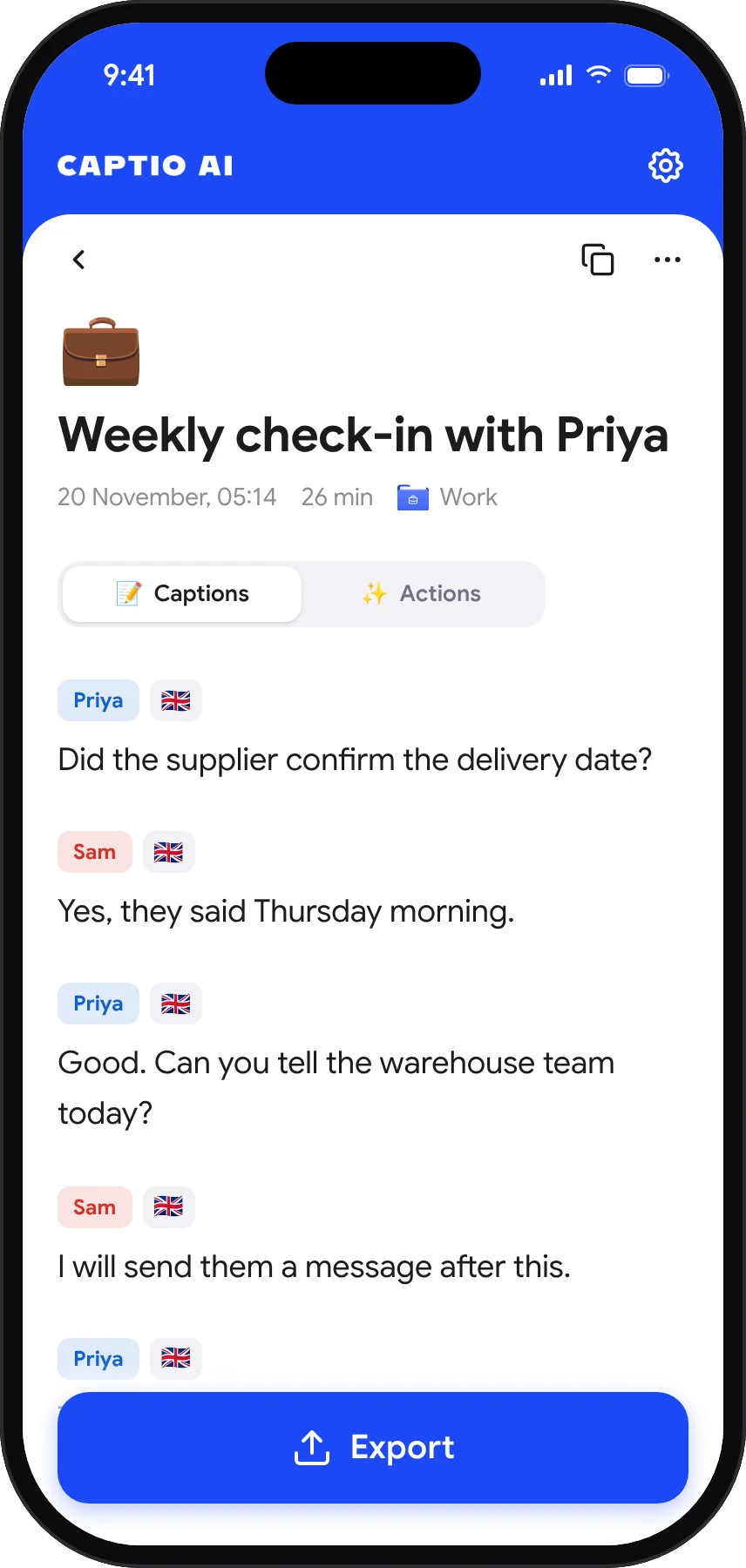
How do you set it up before a conversation?
Set it up in this order, as our suggestion:
- Charge the transmitters and the receiver, and switch them on.
- Connect the receiver to the iPhone with the plug that fits it, Lightning or USB-C, or the way the maker says.
- Clip one lavalier transmitter to each person near the chest, so each lavalier microphone for the iPhone is close to a mouth.
- When Captio AI asks which microphone captions should use, pick the receiver. Since version 1.1.6, it asks when AirPods or another microphone is connected, and remembers the answer7.
- Start Live Captions and say one sentence each, to see both people on screen before the real conversation starts.
If the iPhone cannot be seen from where you sit, a stand or a surface in front of you works as well as the middle of a table.
Which situations suit two wireless microphones?
Two wireless microphones suit conversations between two people you can plan for, and suit them better than crowds. By use case:
- Meetings: a one-to-one meeting, such as a manager and an employee, is the clearest fit, because each person wears a transmitter and both stay near their microphone.
- Doctor's appointments: a check-up has two talkers, the clinician and you, but ask the clinic's permission before recording, and note that our suggestion is to test the setup beforehand. See doctor's appointments.
- Job interviews: an in-person interview with one interviewer fits the same pattern, if the interviewer agrees to wear a transmitter.
- Conferences: a panel with two speakers on stage fits, and the organisers decide whether a speaker may wear a transmitter, so ask them first.
- Lectures: one lecturer means one microphone. School FM systems work that way, with the instructor wearing a small microphone connected to a transmitter and the listener wearing a receiver3.
- Group dinners: a transmitter per person stops being practical beyond two or three people. For the rest of the table, see how to see who is talking in live captions.
What does Captio AI not say about two wireless microphones?
Captio AI's 1.1.9 notes do not say which microphone kits work, how many people a setup supports beyond two, whether the speaker tags name the microphones, or how much more accurate the captions become7. They are also silent on whether it works on Android, so this article says iPhone only. The feature sits next to the speaker labels Captio AI already has, which you can rename after a recording. For how the app picks among microphones, read how to choose the microphone for live captions on iPhone, and for the feature itself see Live Captions.
How does Speaksee compare?
Speaksee, a microphone kit with its own app, is built for group conversations, which is a different design from Captio AI's phone-first approach. Its App Store listing says "each speaker is assigned a separate colour in the app", says the app works with the Speaksee Microphone Kit, and lists the app as free8. Captio AI's 1.1.9 notes do not say how speakers are marked when each one wears a wireless microphone, and the Speaksee listing does not state whether it needs an internet connection78. If a conversation is a regular group, compare what each one shows before you buy a kit.
When is one microphone enough?
One microphone is enough when only one person needs to be heard clearly, or when everyone sits within an arm's length of the phone. A single transmitter on a lecturer or a presenter solves the distance problem the 2021 study measured1. For a quiet table of two, the phone's own microphone on the table between you is the simplest start, and costs nothing extra.
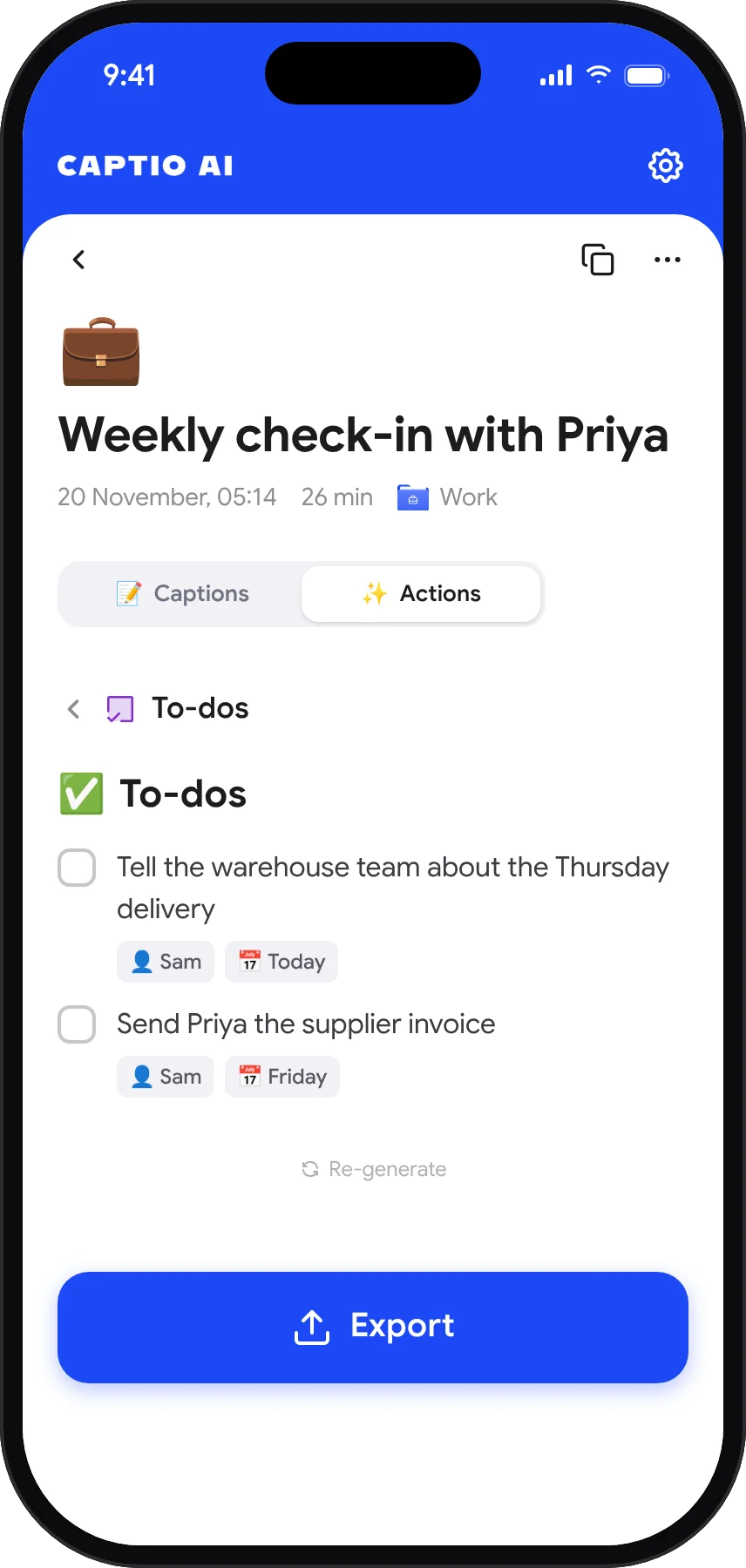
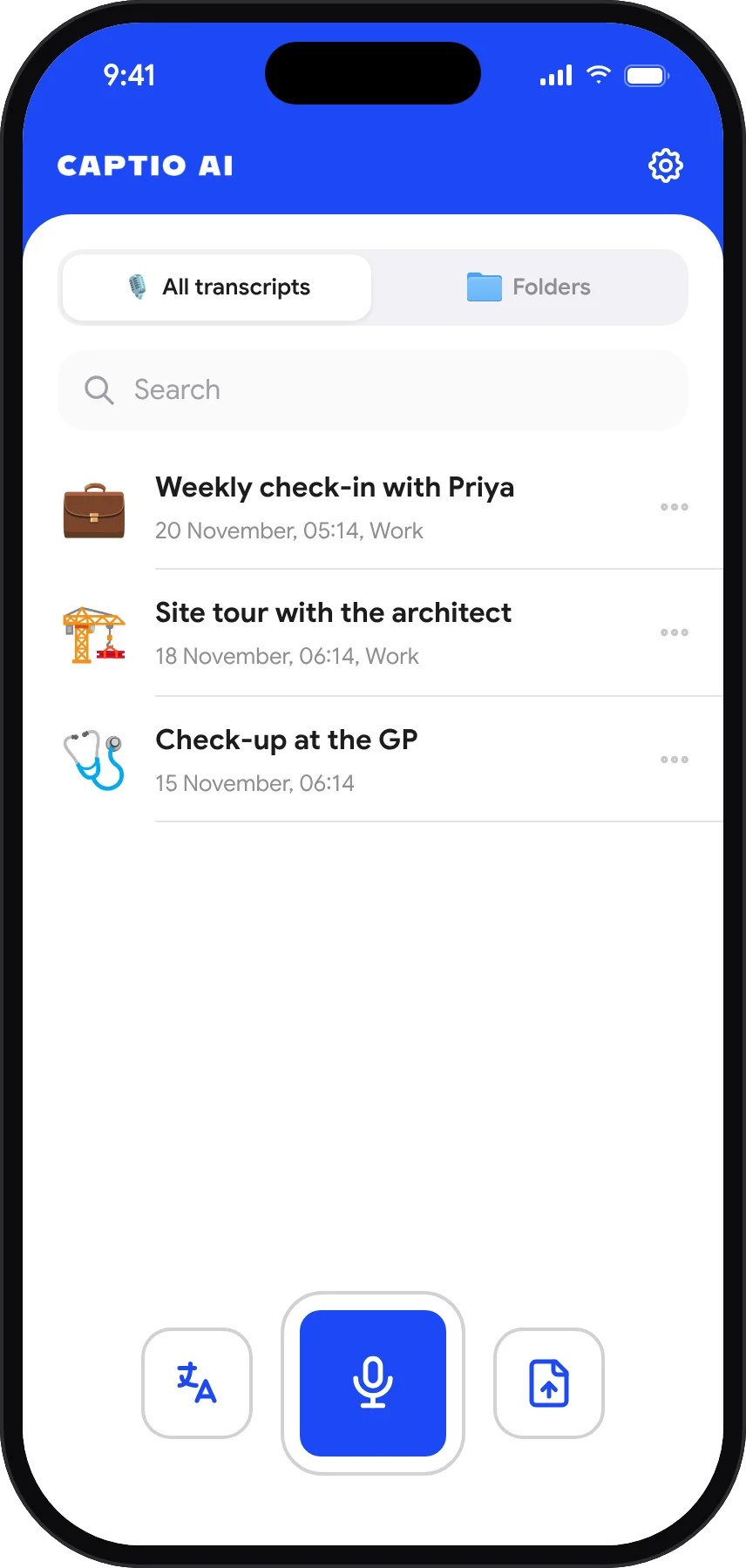
Wireless microphone setups side by side
| Setup | Best for | What the sources say |
|---|---|---|
| Phone flat on the table | Two to four people, quiet room | Our suggestion; no extra kit |
| One transmitter on the talker | A lecturer, a presenter | Speech stayed clear at 6 m with a remote microphone1; school FM systems work this way3 |
| Two transmitters, receiver into the iPhone | Two people, one conversation | Kits exist with two transmitters46; Captio AI 1.1.9 says captions tell two people apart better7 |
| A kit built for group conversations, with its own app | Regular group conversations | Speaksee gives each speaker a separate colour in its app8 |
| School or room FM system | Classrooms, public rooms | FM signals can travel up to 300 feet3 |
What does it cost?
Captio AI is free to download, and the free plan gives 100 free credits a day, as of October 2026. Captio AI Plus removes the daily limit. The microphone kits cost extra, and prices differ by maker and country, so check the maker's page before buying.

Read what people say, while they say it
Captio AI puts live captions on your phone for conversations, appointments, lectures and meetings, in 60+ languages. Free to start. Private by default.
Frequently asked questions
Do I need two wireless microphones to caption a meeting with Captio AI?
No. Live Captions works with the phone's own microphone, and you can put the phone flat on the table. The 1.1.9 release notes say captions are better at telling two people apart when each one wears their own wireless microphone, which is an improvement for that setup, not a requirement [7].
Which wireless microphone kit works with Captio AI at a doctor's appointment?
The release notes for version 1.1.9 do not name any kit, so this article cannot say which ones work [7]. Ask the clinic first whether you may record, and our suggestion is to try your kit before the appointment, not during it.
Will the captions show the microphone name instead of the speaker name?
The 1.1.9 notes do not say whether the speaker tags name the microphones, so this is not confirmed [7]. Captio AI's speaker labels can be renamed after a recording, for example from Speaker 2 to the name of the person you met.
Can I use two wireless microphones for a lecture with a student and a lecturer?
A lecture has one main talker, so a single microphone on the lecturer is the usual setup, as in school FM systems where the instructor wears the microphone [3]. Two microphones suit a lecture only when two people talk, such as a lecturer and a student asking questions.
Does a wireless microphone help with group dinners in a restaurant?
It helps only for the people who wear one. The 2021 study found that sound picked up near the talker stayed clear at 6 m, while hearing aid microphones lost ground as distance grew [1]. For a table of four or more, the phone flat on the table is our suggestion.
Is Captio AI free to use with a wireless microphone?
Captio AI is free to download, and the free plan gives 100 free credits a day, as of October 2026. The release notes list the two-microphone improvement without a plan limit [7].
Sources
- 1Effects of Wireless Remote Microphone on Speech Recognition in Noise for Hearing Aid Users in ChinaFrontiers in Neuroscience (via PubMed Central), 2021
- 2Advances in Online Audio-Visual Meeting TranscriptionarXiv, IEEE ASRU Workshop 2019, 2019
- 3Assistive Devices for People with Hearing, Voice, Speech, or Language DisordersNational Institute on Deafness and Other Communication Disorders (NIDCD), US, 2019
- 4Wireless GO IIRODE, 2026
- 5Wireless ME vs Wireless GO II vs Wireless GORODE, 2026
- 6LARK M2Hollyland, 2026
- 7Captio AI: Live Captions (release notes, version 1.1.9)Apple App Store, 2026
- 8Speaksee (App Store listing)Apple App Store, 2026
Written by Nate from Captio AI. Published 20 November 2026. Every figure on this page links to its source. Spotted a mistake? hello@captioai.app