

How to choose the microphone for live captions on iPhone
Which microphone captions hear decides what you read. A 2021 study found a wireless mic cut the noise level people needed by 11 to 19.5 dB.
 Nate from Captio AI5 min read
Short answer
To choose the microphone for live captions on iPhone, connect the one you want and pick it when asked. Captio AI, a live captioning app for deaf and hard of hearing people, asks which connected microphone captions should use and remembers the answer [5]. Which suits you depends on where the talker is: your ears if they sit next to you, a microphone near or on the talker if they do not [4]. That is our suggestion.
11 to 19.5 dB4
better signal-to-noise ratio for adults with hearing loss using a wireless remote microphone than hearing aid microphones alone, in a 2021 study of 23 adults
3 modes1
Apple's AirPods microphone setting: automatic, always left AirPod or always right AirPod
1.1.65
Captio AI version whose release notes add choosing your microphone, live on the App Store on 5 November 2026
On this page
- Why does the microphone change what the captions say?
- Which microphone should live captions use in a lecture?
- Which microphone suits a meeting or a conference?
- Which microphone suits a restaurant or a group dinner?
- How do AirPods choose which side is the microphone?
- What does Captio AI do about the microphone?
- What is the difference between Live Listen and captions?
- Microphone choices side by side
- What does choosing a microphone cost?
To choose the microphone for live captions on iPhone, connect the microphone you want first, then answer the app's question about which one captions should use. Captio AI, a live captioning app for deaf and hard of hearing people, asks that question when AirPods or another microphone is connected, and it remembers your answer5. A phone you cannot read from where you sit is no use, so the real choice is often between sitting nearer and using a microphone that is closer to the talker. The advice below is our suggestion unless a source is cited.
Why does the microphone change what the captions say?
The microphone decides what sound the captions can work with, so a microphone far from the talker gives you worse captions, whichever app you use. A 2021 study in Frontiers in Neuroscience tested 23 adults and 14 children with hearing loss in China. Adults needed the speech to be 5.55 dB louder than the noise at 1.5 m with directional hearing aid microphones, and 13.11 dB louder at 6 m. With a wireless remote microphone, they needed it only to be about 5.5 dB quieter than the speech at 1.5 m, and 7.53 dB quieter at 6 m4.
The authors report that the remote microphone improved the signal-to-noise ratio by 11 to 19.5 dB for adults and 10 to 18.9 dB for children, and that test distance had no effect on speech-in-noise recognition when it was used4. This study compared hearing aid microphones with a wireless microphone near the talker. It did not test phones or AirPods, so it supports one point only: sound picked up near the talker is clearer than sound picked up across a room.
Which microphone should live captions use in a lecture?
In a lecture, the best microphone is the one nearest the lecturer that you can still read, and that often means sitting nearer. A phone on a front desk would be close to the speaker but too far for you to read. AirPods in your ears hear what reaches you, which from a back row is the weak signal the study above describes4. Options, as suggestions: sit in the front rows, ask whether the room has a microphone you can connect to, or use a microphone worn by the lecturer if the lecturer agrees. Captio AI only chooses among microphones connected to your iPhone5. See live captions in a lecture and Live Captions.
Which microphone suits a meeting or a conference?
For a meeting, the phone flat in the middle of the table is our suggestion, because it is within reach of your eyes and nearer to every speaker than your ears are. In a conference, a clip-on or room microphone is nearest to the talker, and can be chosen once connected5. If you cannot read a phone in the middle of the table, keep it in front of you and sit where the speakers are close.
Which microphone suits a restaurant or a group dinner?
At a restaurant or a group dinner, the phone on the table between you is our suggestion over AirPods, since the people you want to read are across from you and the phone is where you look. The study shows distance costs clarity for hearing aid microphones4. For who said what at a busy table, see how to see who is talking in live captions.
How do AirPods choose which side is the microphone?
On iPhone, Apple's default is that either AirPod can act as the microphone, and if you use only one, that one does2. You can change it: open Settings, tap your AirPods' name near the top, choose Microphone (or Audio & Routing first, if you do not see it) and pick Automatically Switch AirPods, Always Left AirPod or Always Right AirPod1. Apple says the AirPod you choose "becomes the microphone, even if you remove it from your ear or put it in the case"1.
This Apple setting decides which AirPod listens. Captio AI's question decides which connected microphone captions use, such as AirPods or another microphone5.
What does Captio AI do about the microphone?
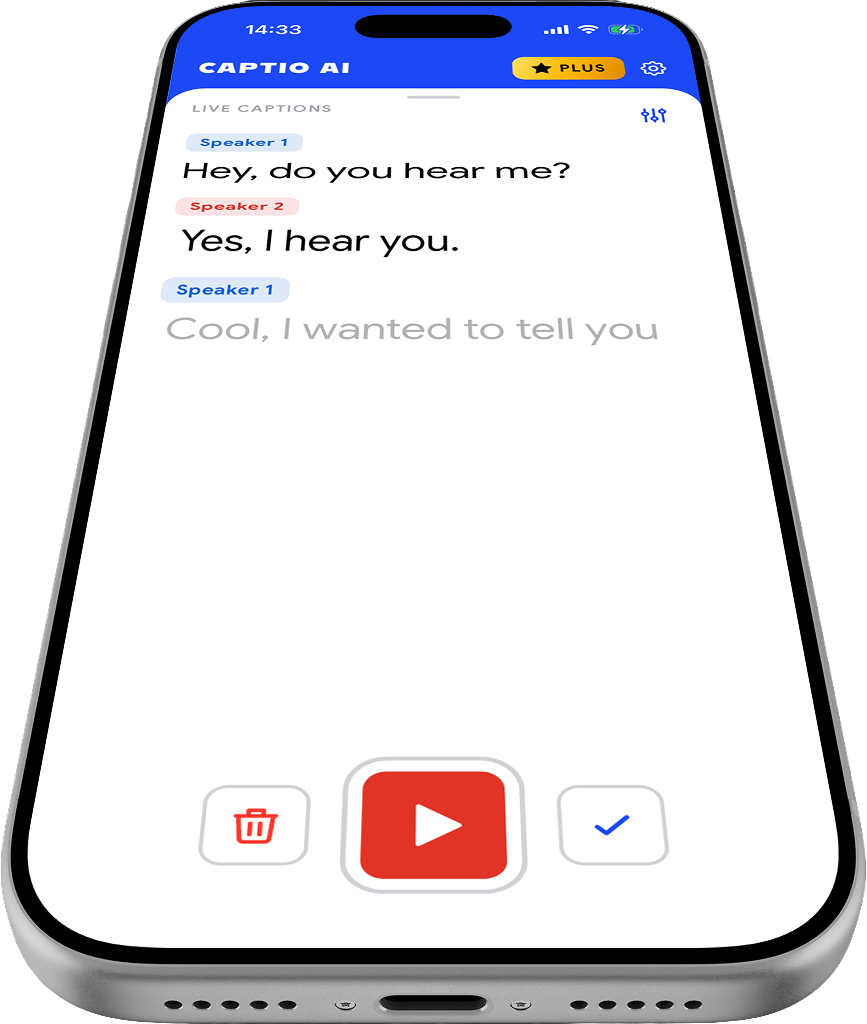
When AirPods or another microphone is connected, Captio AI asks which one captions should use and remembers the answer5. That is all the release notes for version 1.1.6, live on the App Store on 5 November 2026, say about it, and it is an iPhone feature. The notes do not say what the question looks like or whether it appears on Android, so this article does not either.
What is the difference between Live Listen and captions?
Apple's Live Listen sends sound, and captions show words. Apple says Live Listen makes your iPhone "act like a microphone that sends sound to your AirPods or Beats", and tells you to "Place your iPhone or iPad in front of the person that you want to hear"6. It needs iOS or iPadOS 14.3 or later and connected AirPods or Beats6. Apple's accessibility page adds that Live Listen sends audio from the iPhone's microphone to compatible AirPods, Beats headphones or Made for iPhone hearing devices3. If you need to read the words, not only hear them better, captions fill that gap, and Apple also offers Live Captions on iPhone for in-person speech3.
Microphone choices side by side
| Choice | What it is | Source |
|---|---|---|
| Phone's own microphone | The iPhone listens where it lies; our suggestion for tables | Suggestion |
| AirPods, automatic | Either AirPod can be the microphone | 2 |
| AirPods, always left or right | The chosen AirPod stays the microphone, even in the case | 1 |
| Live Listen | iPhone microphone sends sound to AirPods or Beats; no captions | 6 |
| Microphone near or on the talker | In the 2021 study, hearing aid users needed far less speech above the noise | 4 |
| Captio AI's question | Asks which connected microphone captions use, remembers it | 5 |
What does choosing a microphone cost?
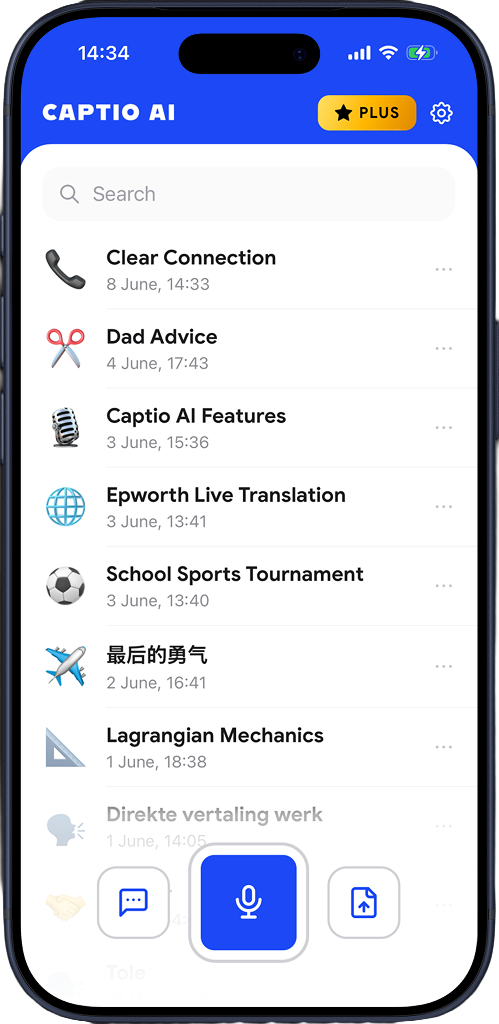
Captio AI is free to download, and the free plan gives 100 free credits a day, as of October 2026. Captio AI Plus removes the daily limit. The 1.1.6 release notes list choosing your microphone without any plan limit5.

Read what people say, while they say it
Captio AI puts live captions on your phone for conversations, appointments, lectures and meetings, in 60+ languages. Free to start. Private by default.
Frequently asked questions
Can I use AirPods as the microphone for live captions in a lecture?
You can choose them when Captio AI asks which microphone captions should use [5]. An AirPod sits in your ear, so it hears what reaches you, which from a back row is a weak signal. Sitting nearer, or a microphone on or near the lecturer, would help more, as our suggestion.
Which AirPod is the microphone on iPhone?
By default either AirPod can act as the microphone, and if you use only one, it does [2]. In Settings you can fix it to the left or right AirPod, and that AirPod stays the microphone even if you take it out or put it in the case [1].
Does Captio AI remember which microphone I picked at a meeting?
Yes. Its 1.1.6 release notes say that when AirPods or another microphone is connected, Captio AI asks which one captions should use and remembers it [5]. That saves a tap at each weekly meeting.
Where should the microphone go at a restaurant table?
Lay the phone on the table between you, which is our suggestion, so it is within reach of your eyes and nearer the others than your ears are. The 2021 study tested hearing aid microphones against a talker-worn wireless microphone, not phones, but found distance mattered a great deal for the hearing aids [4].
Does the microphone choice change the language the captions use?
No. The microphone only decides what sound goes in. The language comes from your language settings in Captio AI, such as German or Spanish, which you can read about on the language pages.
What does Apple's Live Listen do that captions do not?
Apple says Live Listen makes the iPhone act like a microphone that sends sound to your AirPods or Beats, and it is meant to help you hear someone across the room [6]. It plays sound; captions show words.
Is choosing a microphone free in Captio AI?
Captio AI is free to download, and the free plan gives 100 free credits a day, as of October 2026. The release notes list choosing your microphone as a feature without a plan limit [5].
Sources
- 1Change settings for AirPods or AirPods ProApple Support, 2026
- 2Change the settings of your AirPods and AirPods ProApple Support, 2026
- 3Hearing accessibility features on Apple devicesApple, 2026
- 4Effects of Wireless Remote Microphone on Speech Recognition in Noise for Hearing Aid Users in ChinaFrontiers in Neuroscience (via PubMed Central), 2021
- 5Captio AI: Live Captions (release notes, version 1.1.6)Apple App Store, 2026
- 6Use Live Listen with AirPods or BeatsApple Support, 2026
Written by Nate from Captio AI. Published 6 November 2026. Every figure on this page links to its source. Spotted a mistake? hello@captioai.app