

Captio AI for Apple Watch
Live captions on your wrist, for deaf and hard of hearing people. The Apple Watch app works together with Captio AI on your iPhone.
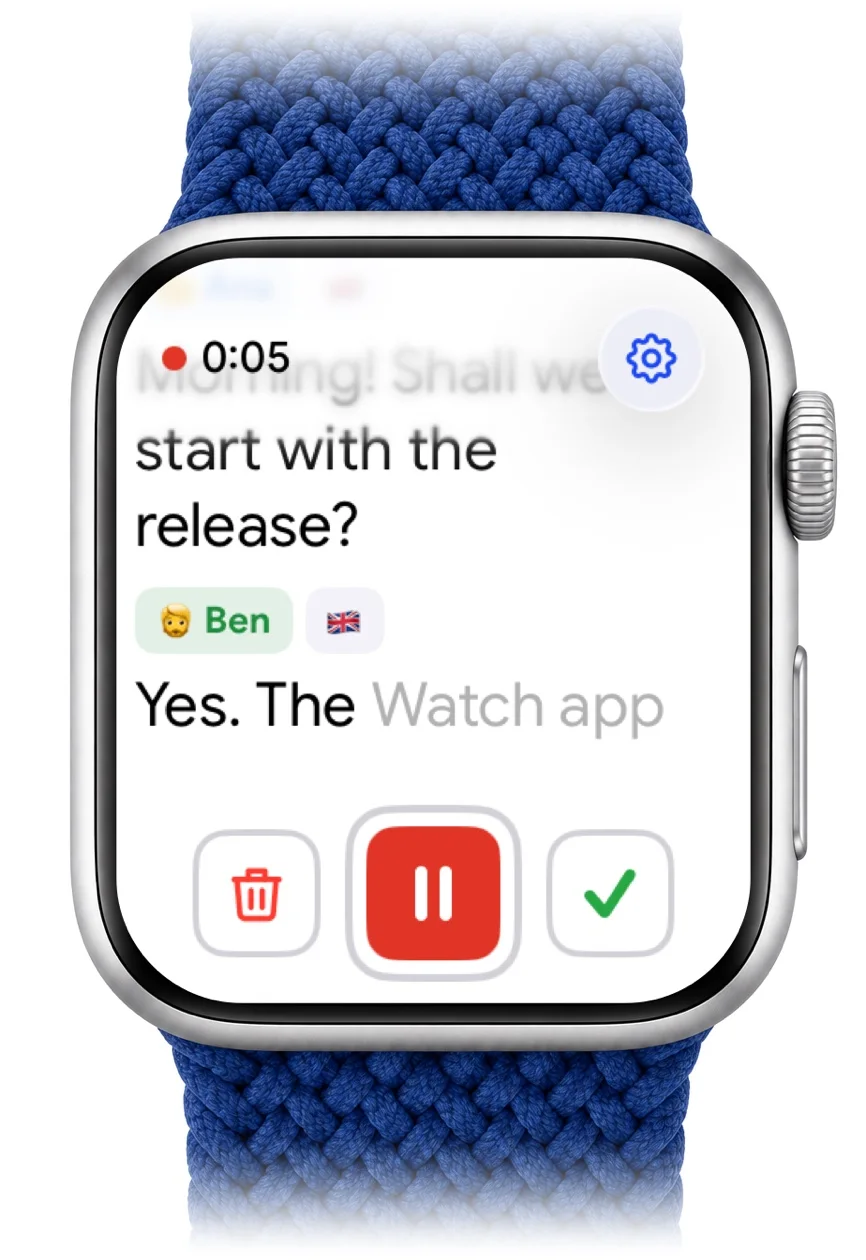
Captions on your wrist.
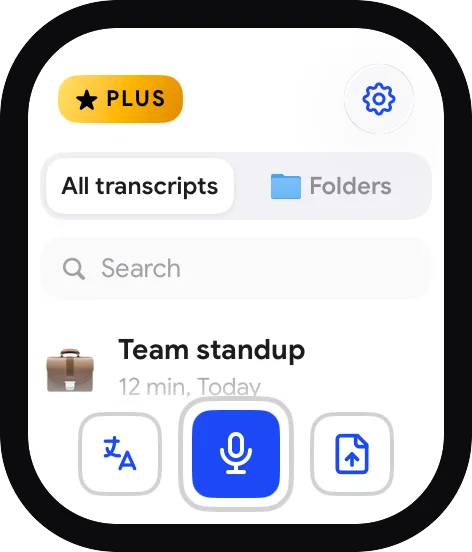
Start from your Watch
Open Captio AI on your iPhone, then start captions or translation on your Watch.
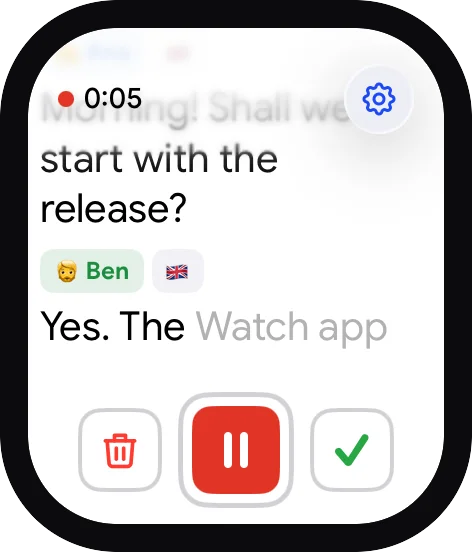
Read on your wrist
The words show on your Watch as people talk. Pause or save from the Watch.
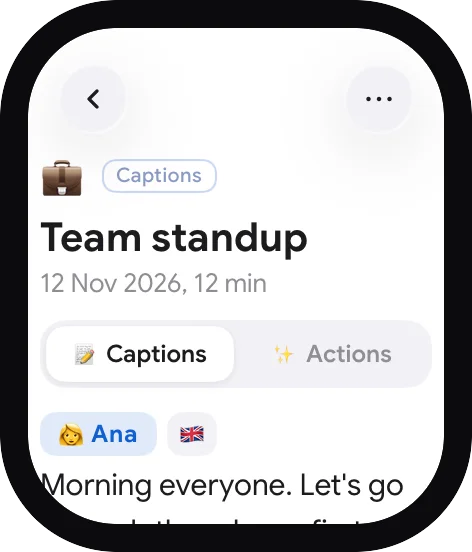
Read it again later
Your recordings are on your Watch too. Open one to read what was said.
Free to start, comes with the iPhone app
Download on theApp StoreYour iPhone listens. You read on your wrist.
Dinner tables, team meetings, lecture halls. Your iPhone does the listening, and what people say shows on your Apple Watch.
Live captions on your wrist
Follow what people around you say as text on your Apple Watch.
Live translation too
Follow a conversation in another language, translated on your Watch.
Start, pause and save
Start captions from your Watch, pause them when the talking stops and save them when you're done.
Your recordings
Read your recordings on the Watch, so what was said this morning is on your wrist.
Works with your iPhone
The iPhone does the listening. To start captions from the Watch, Captio AI needs to be open on your iPhone.
Free and Plus
The Watch app comes with Captio AI for iPhone. The 100 free credits a day and Captio AI Plus work the same as on the phone.
Free to start, comes with the iPhone app
Download on theApp StoreWhat you hear stays with you.
Processed, not kept
Captio AI processes audio in real time and doesn't store it on its servers.
Not a product
Your conversations are not something Captio AI sells, shares or monetizes, to anyone, for any reason.
Not used to train anything
What you caption at the doctor's or in a job interview never ends up in a training dataset.

Free to start, comes with the iPhone app
Download on theApp StoreFrequently asked questions
Does Captio AI work on Apple Watch?
Which Apple Watch do I need?
Does the Apple Watch app need my iPhone?
How do I install Captio AI on my Apple Watch?
Is the Apple Watch app free?
Can I follow a translated conversation on Apple Watch?
Can I read my recordings on Apple Watch?
Does the Apple Watch app work with an Android phone?
Get started
Captio AI is free to start
How to get it on your Apple Watch
- 1.Download Captio AI on your iPhone.
- 2.With Automatic App Install on, Captio AI appears on your Watch by itself.
- 3.If it doesn't, open the Watch app on your iPhone, find Captio AI in the list of apps and tap Install.

watchOS 10 or later
Captio AI also includes Live Captions, Live Translator, Audio Transcription, AI Summary, AI Actions, Export, Folders, Recognize Voices, Speaker Direction, Recognize Sounds, Connectors and Widgets.